Surface risks early. Prove you acted.
Continuous psychosocial risk assessment for Australian employers. Anonymous reporting that records every risk and the response to it.
For employers
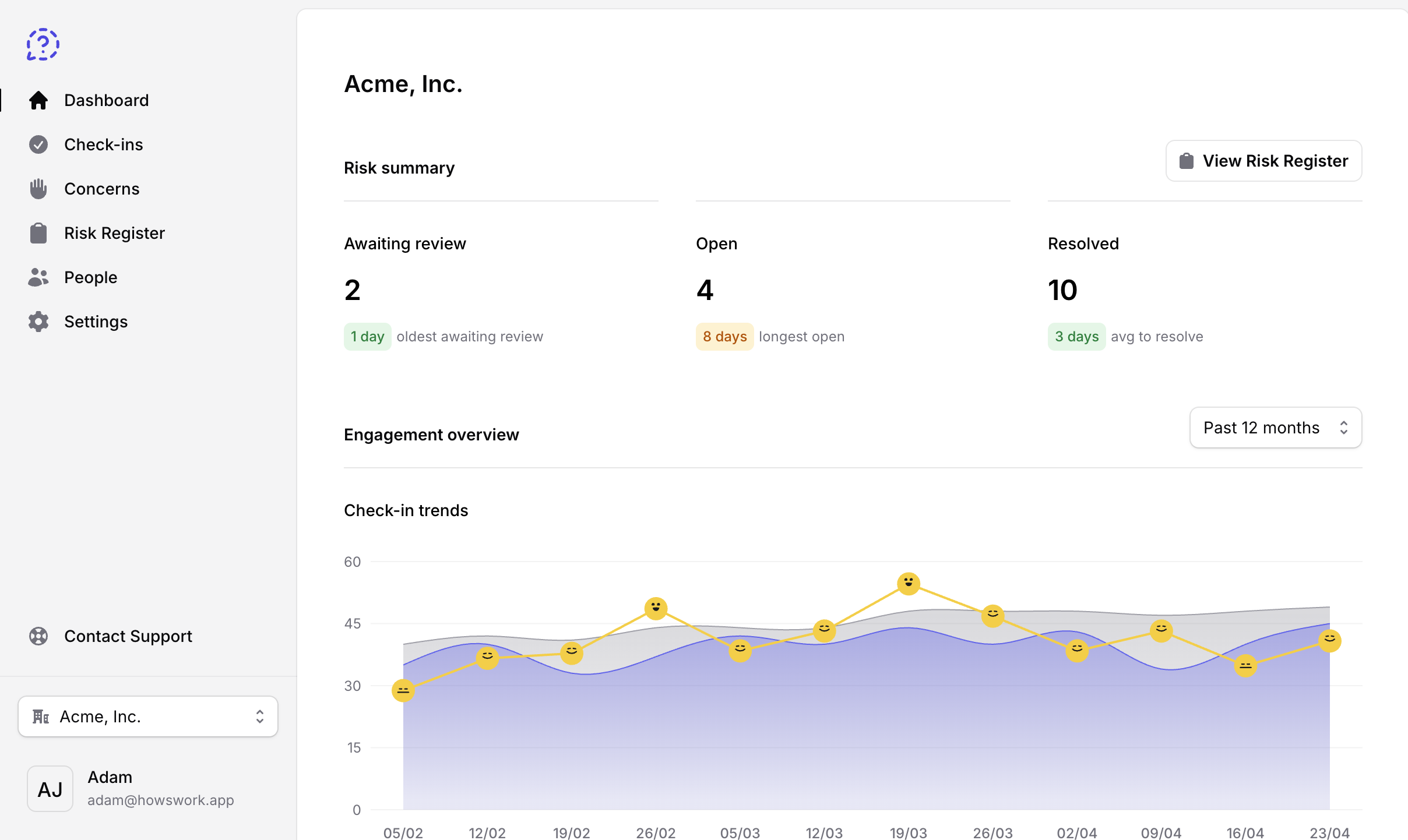
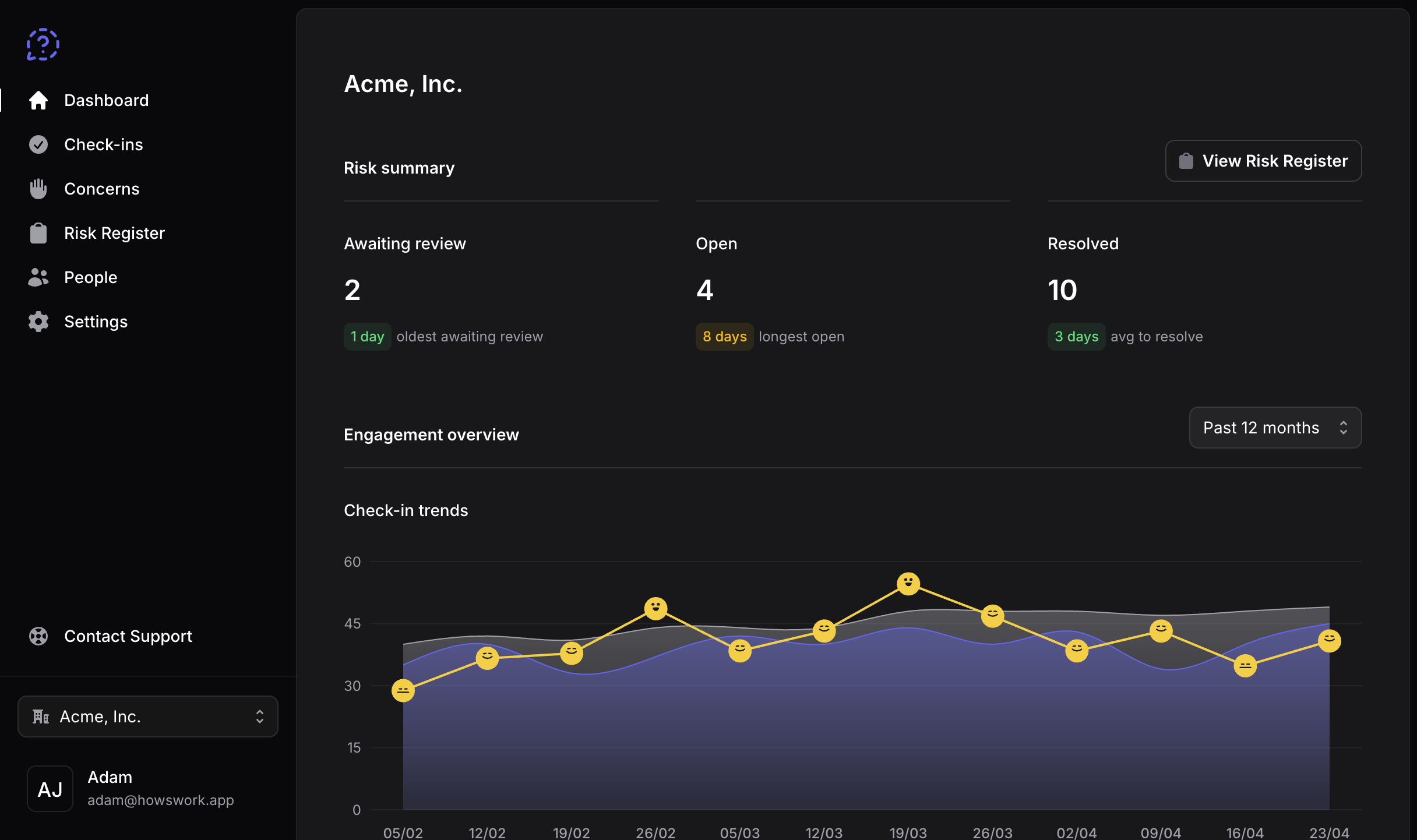
Know the risks
Psychosocial risk assessment isn't a survey you run once a year. It's an ongoing duty to identify hazards, act on them, and be able to show both.
- Continuous assessment
- Short check-ins go out on your schedule and take under a minute, so participation stays high.
- Anonymous reporting
- Employees raise concerns without an account or login, so there's no way to link a submission back to an individual.
- Risk register
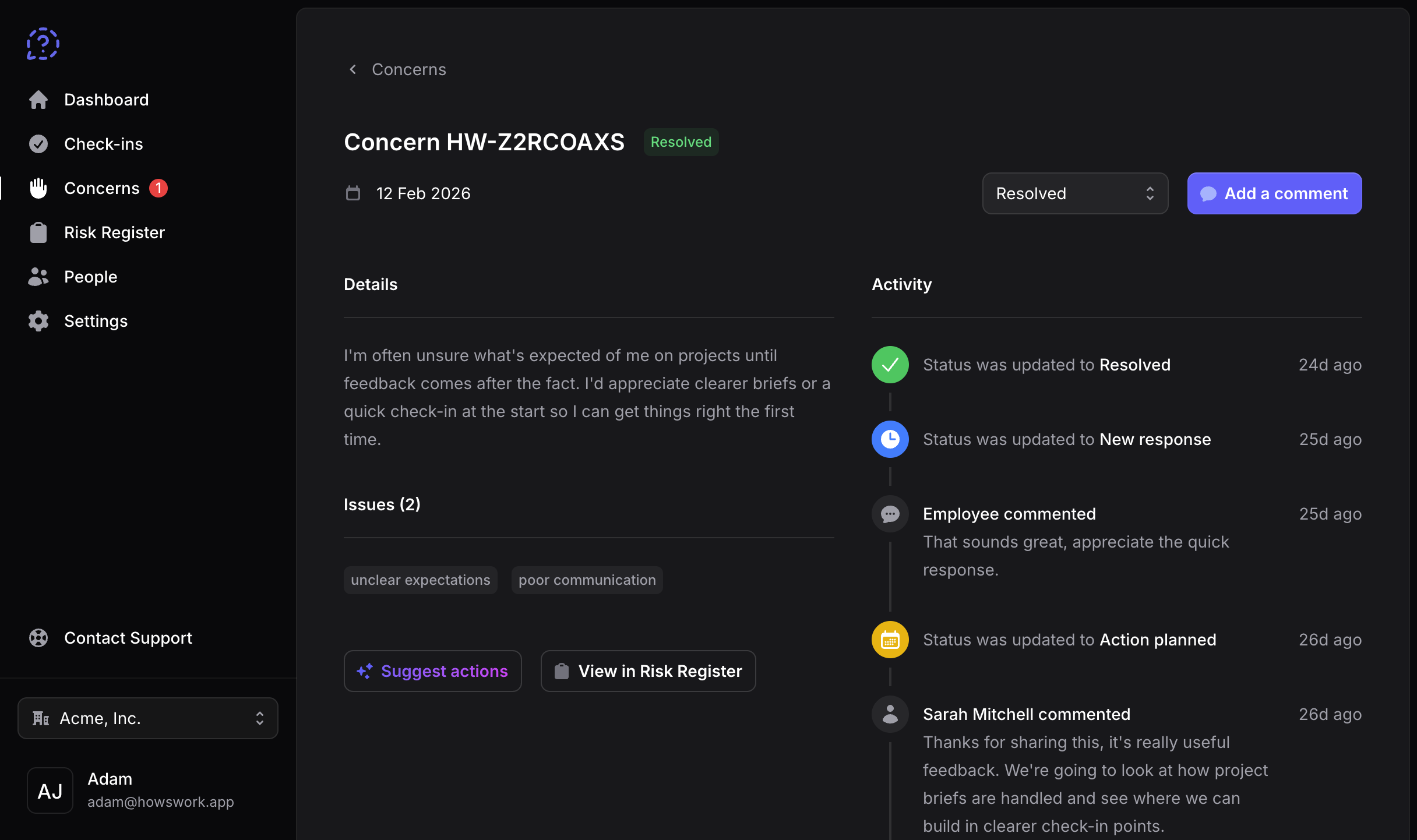
- Risks are automatically identified and logged, giving you an audit-ready record without the manual work.
- AI anonymisation
- Employee responses are rewritten by AI to remove identifying language, so people feel genuinely safe speaking up.
Audit-ready
Your risk register, built automatically
A risk register is a formal record of identified risks and the steps taken to address them. HowsWork builds and maintains yours automatically.
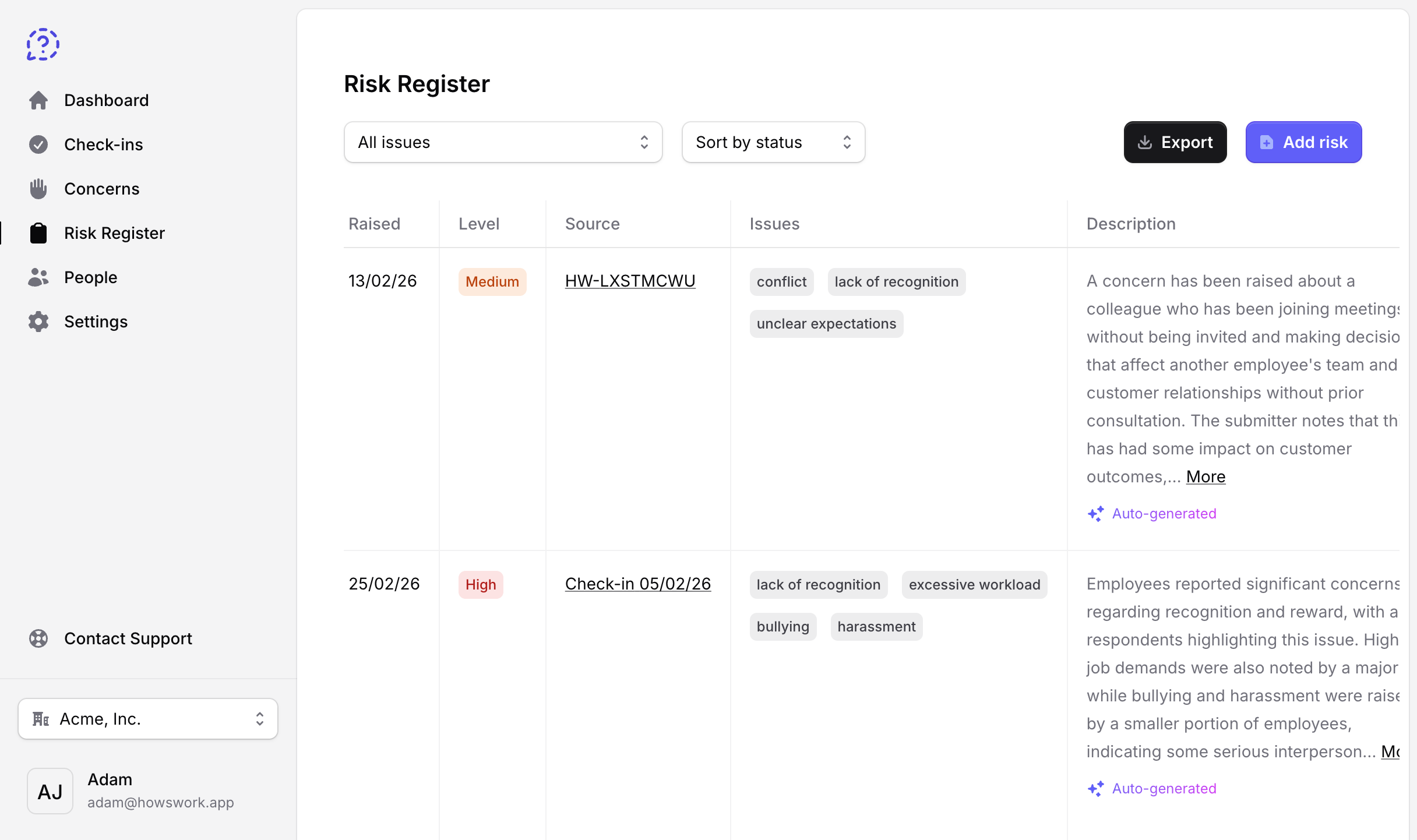
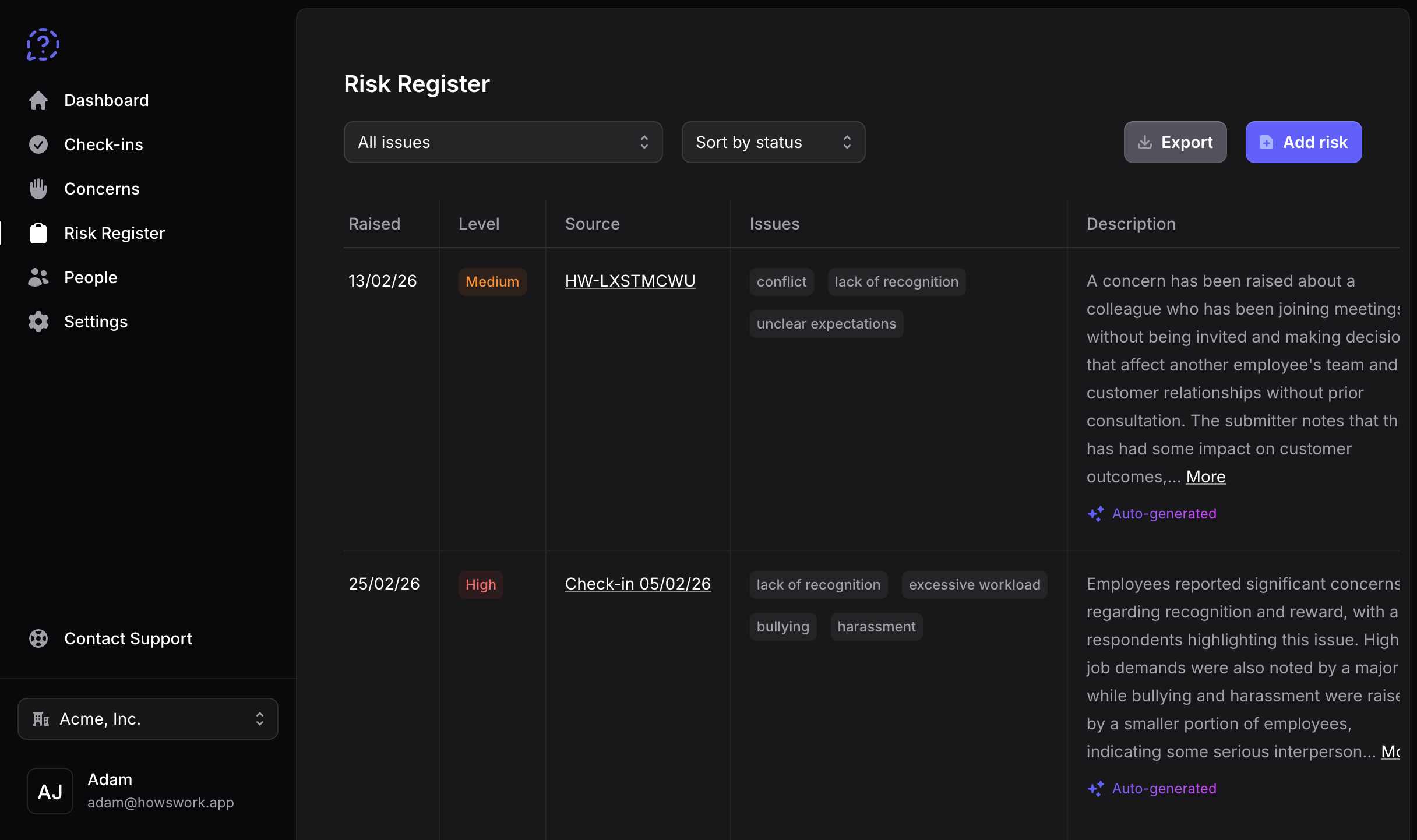
- Auto-generated entries.
- Concerns and check-in results are automatically added to your risk register.
- AI-generated summaries.
- AI generates risk descriptions and documents employer responses automatically.
- Hazard mapping.
- Issues are automatically mapped to Safe Work Australia's 14 psychosocial hazards.
- Action recommendations.
- HowsWork suggests a next step for each risk to help guide your response.
- Ready to export.
- Download a complete record of identified risks, summaries, and actions taken.
- Real-time alerts.
- Receive a notification when a new risk is logged so it never goes unacknowledged in your register.
Managing psychosocial risk is no longer optional
Australian employers now have a legal compliance obligation to identify, assess, and control psychosocial hazards. What this means for your business.
5x
Longer to resolve
Than almost any other serious WHS injury claim.
161%
Rise in claims
Over the past ten years, the largest growth of any injury category.
$1B+
Paid out in 2024-25
In psychological injury compensation claims, five years ahead of projections.
Ready to go in minutes
No complicated setup or credit card required. Add your team, create your first check-in, and your assessment builds from there.
Frequently asked questions
- Are reported concerns really anonymous?
- Yes. There are no accounts and no logins. Your team accesses HowsWork using a shared rotating PIN, so there's no way to link a reported concern to an individual.
- How long does it take to set up?
- Most employers are up and running in under 15 minutes. You add your team, schedule your first check-in, and HowsWork handles the rest. No IT support required.
- What are check-ins and how do they work?
- Check-ins go out on a schedule you set, asking how work is going and what's getting in the way. Answers are anonymous and take under a minute, so people actually complete them.
Rather than one long survey a year, HowsWork assesses continuously. One check-in is a single data point. Across weeks and months they show which hazards are present, how often, and where, and every response feeds your risk register. - Can I use HowsWork for free?
- Yes. HowsWork is free forever for teams with up to 200 staff, with no credit card and no time limit. Larger teams can talk to us about an Enterprise plan.
- Which laws does HowsWork help me comply with?
- HowsWork is built around Australia's Work Health and Safety laws and the psychosocial hazard regulations that came into effect across most states and territories from 2023.
- Is this the same as psychological safety?
- They're related. Psychological safety is the outcome: a team that feels safe to speak up. Psychosocial hazard management is the legal obligation that gets you there.